Read, annotate & connect
Bifolium reads and annotates Markdown, from your own files or straight from GitHub. Open a document on iPhone, iPad, or Mac and Bifolium reads it where it is, without importing or converting it.
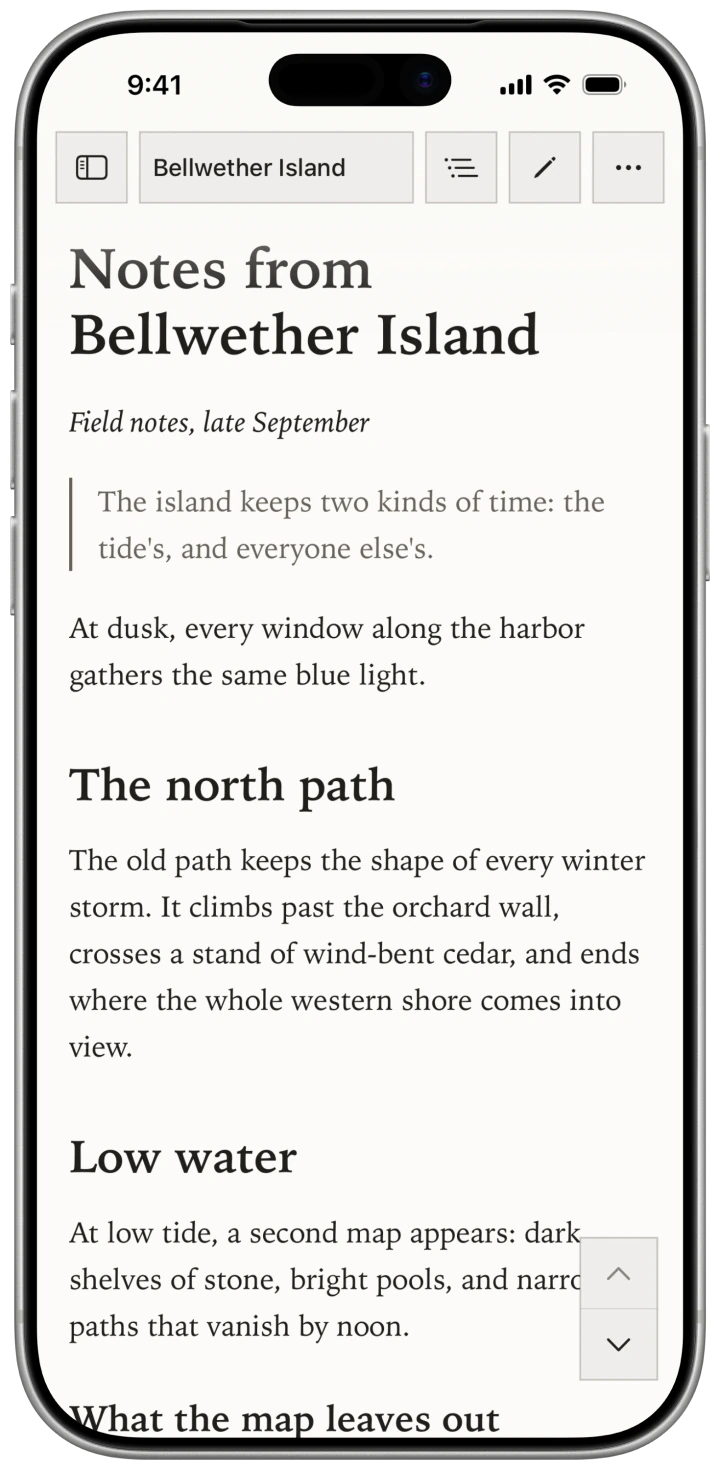
Whatever Markdown you have.
Bifolium detects the Markdown a document is written in and renders it correctly: CommonMark, GitHub Flavored Markdown, and Obsidian's flavor with wikilinks, callouts, and YAML frontmatter.
Every detail, offline.
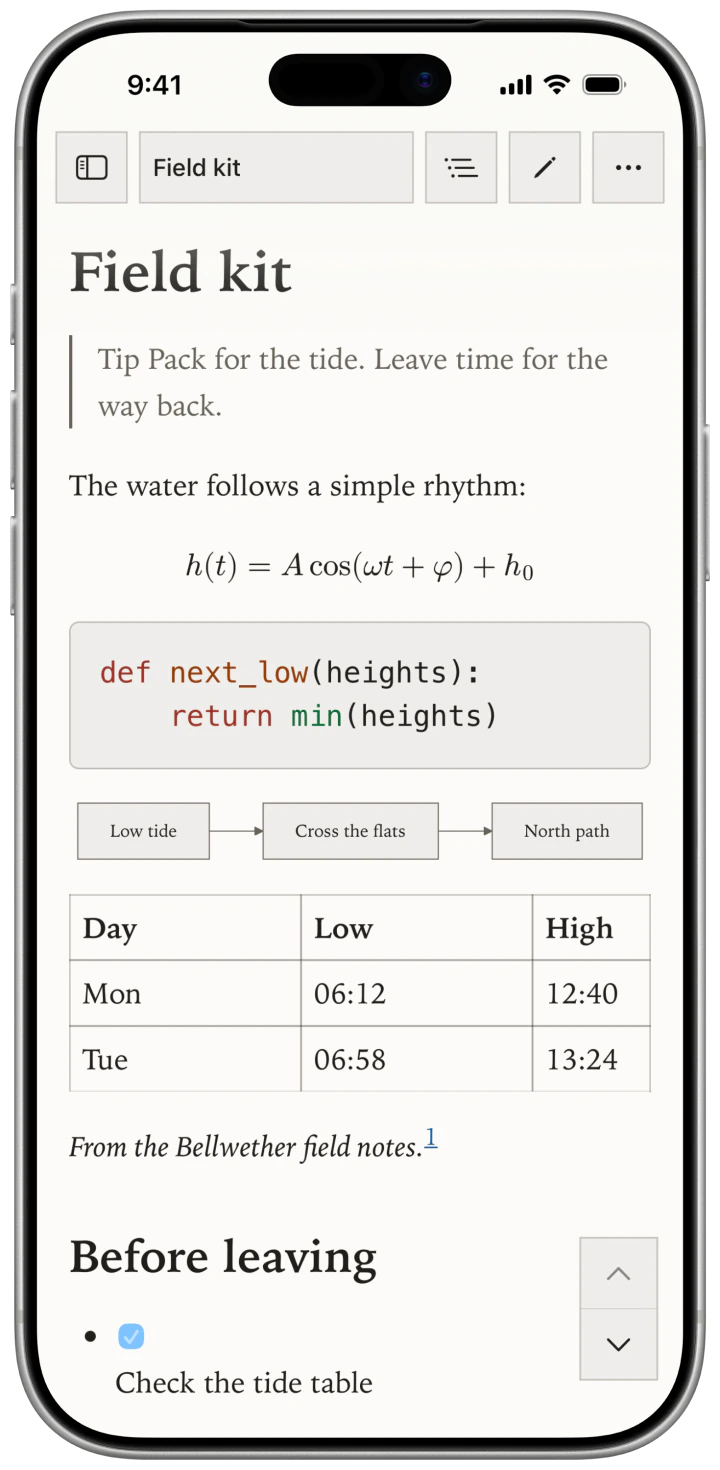
Tables, images, footnotes, TeX math, and Mermaid diagrams render without a connection. Code is highlighted in more than 30 languages.
Keep the line. Keep the thought.
Highlight a passage and note a thought beside it. Both are kept apart from the document, so reading never changes the file.
Bifolium edits, too. When a file needs a change, open it in Source or Live Preview and save it in place.
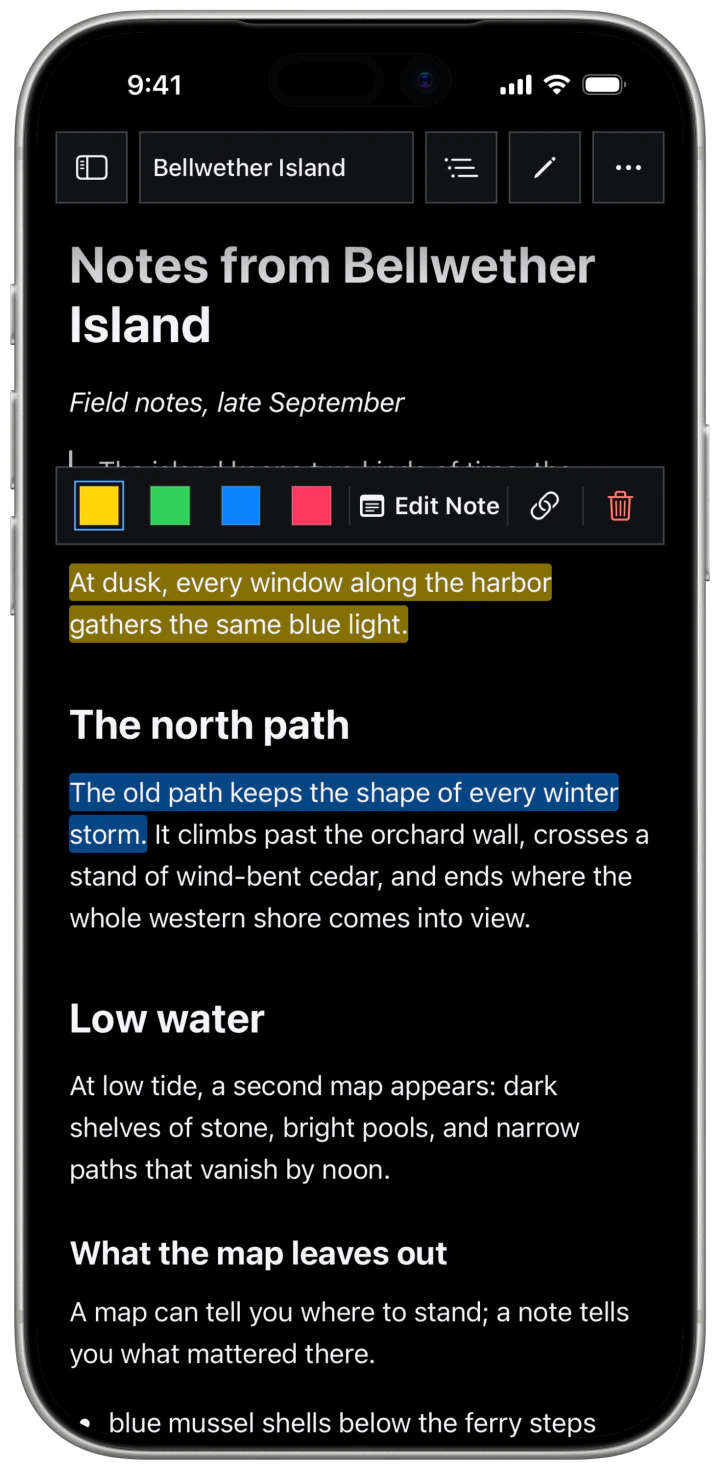
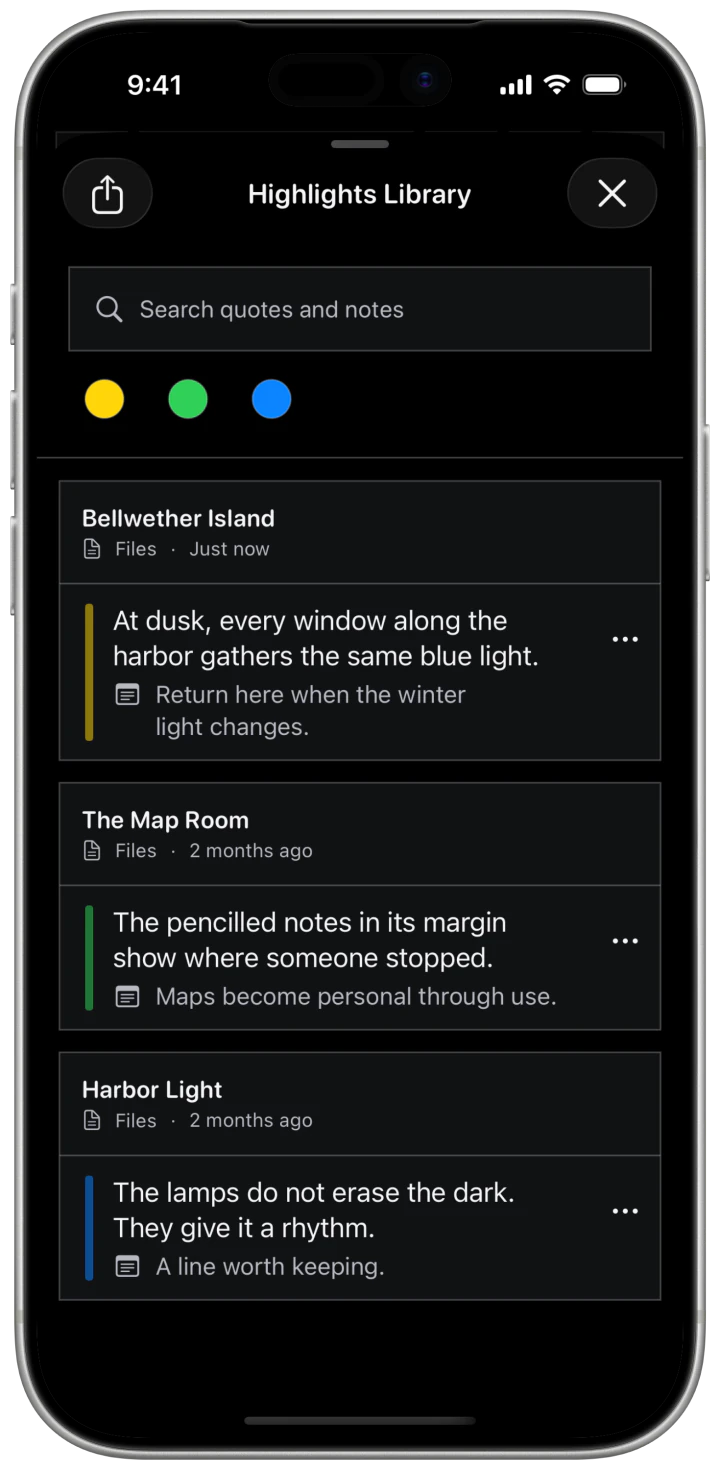
Every highlight, one library.
Every highlight and note, from every document, in one place. Search across them, or start from one highlight and see related passages from your other files. Matching runs on your device.
Export a document to PDF or HTML, or your highlights and notes to Markdown with links back to each passage.
The page, the way you like it.
Four themes come built in, or make your own. Set type size, line height, text width, margins, and paragraph spacing to suit the screen in your hand.
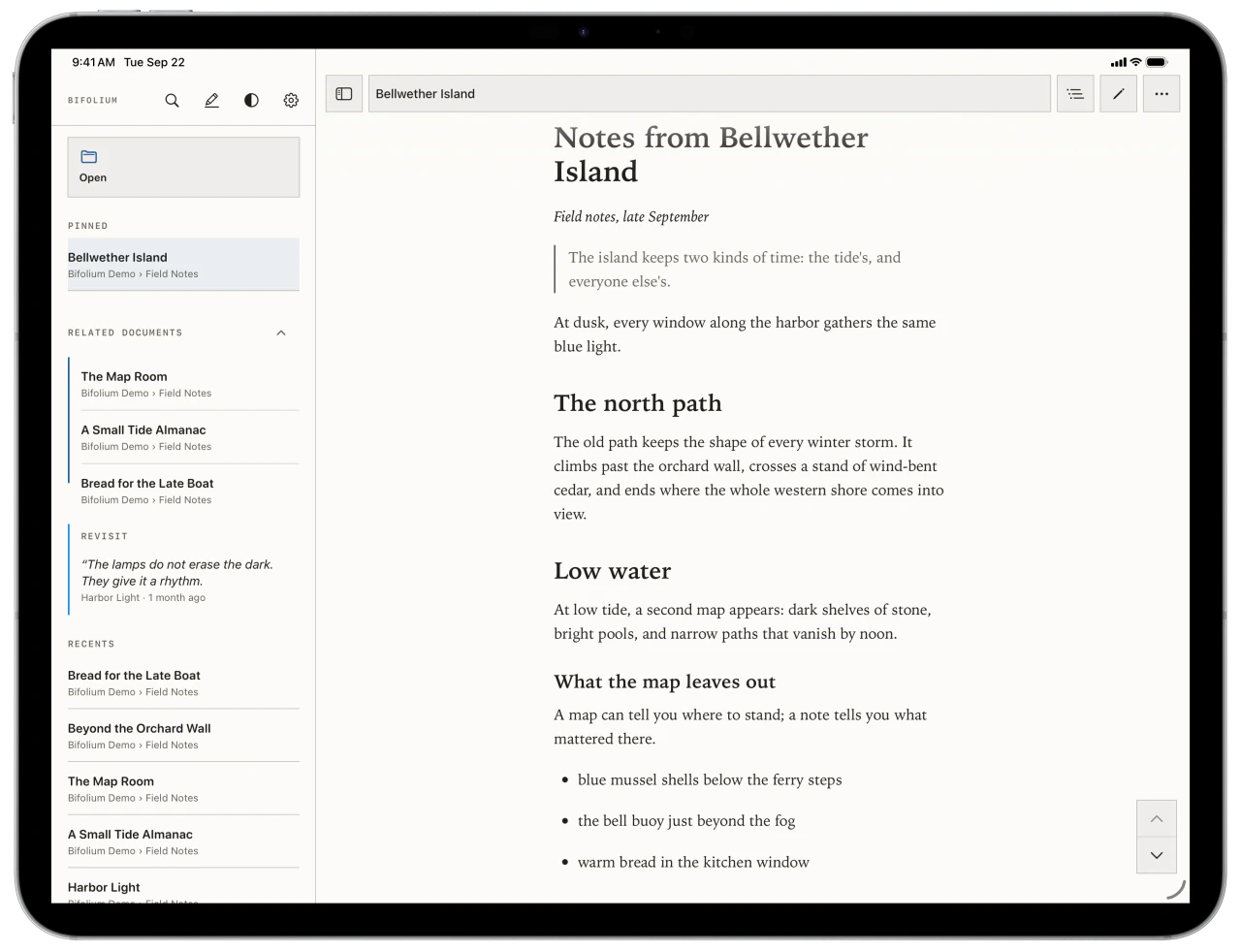
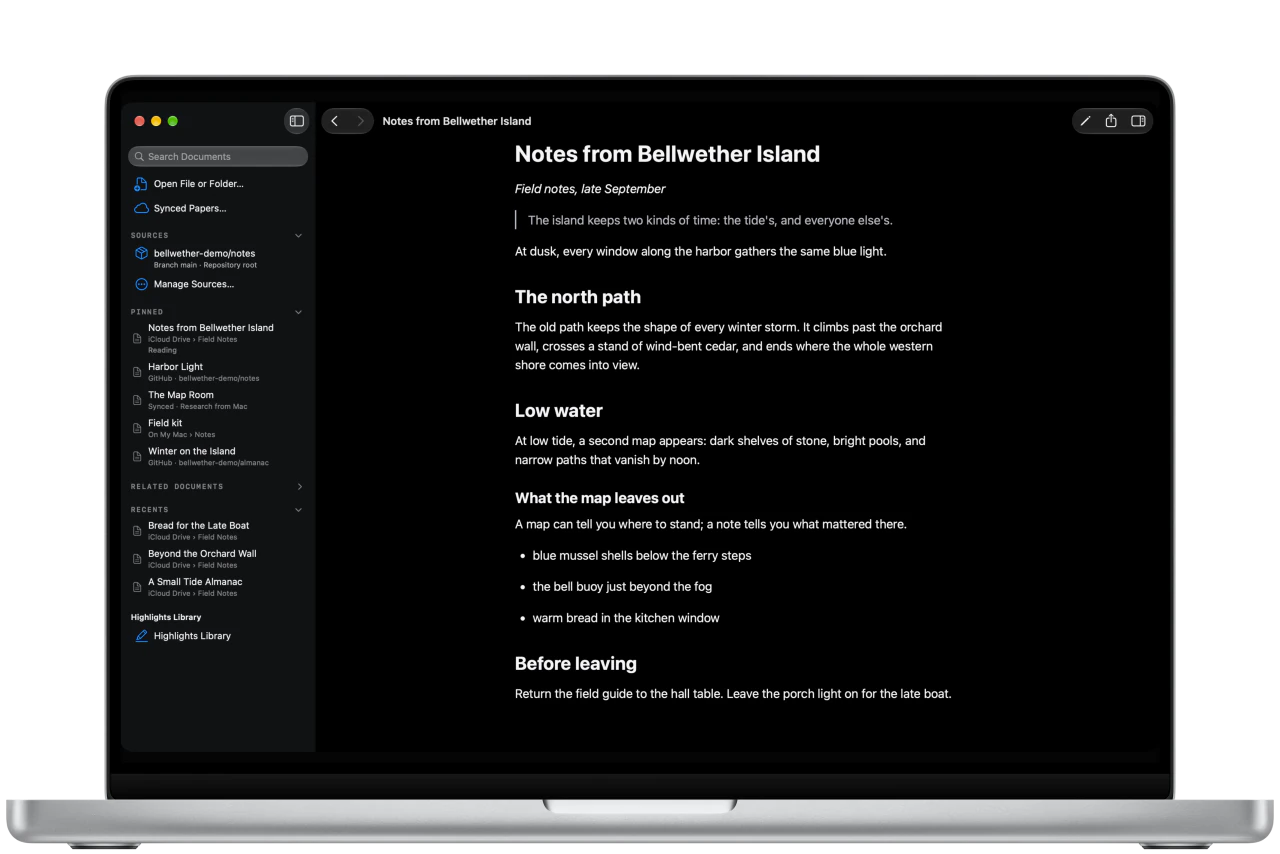
More room on iPad and Mac.
Your files, wherever they live.
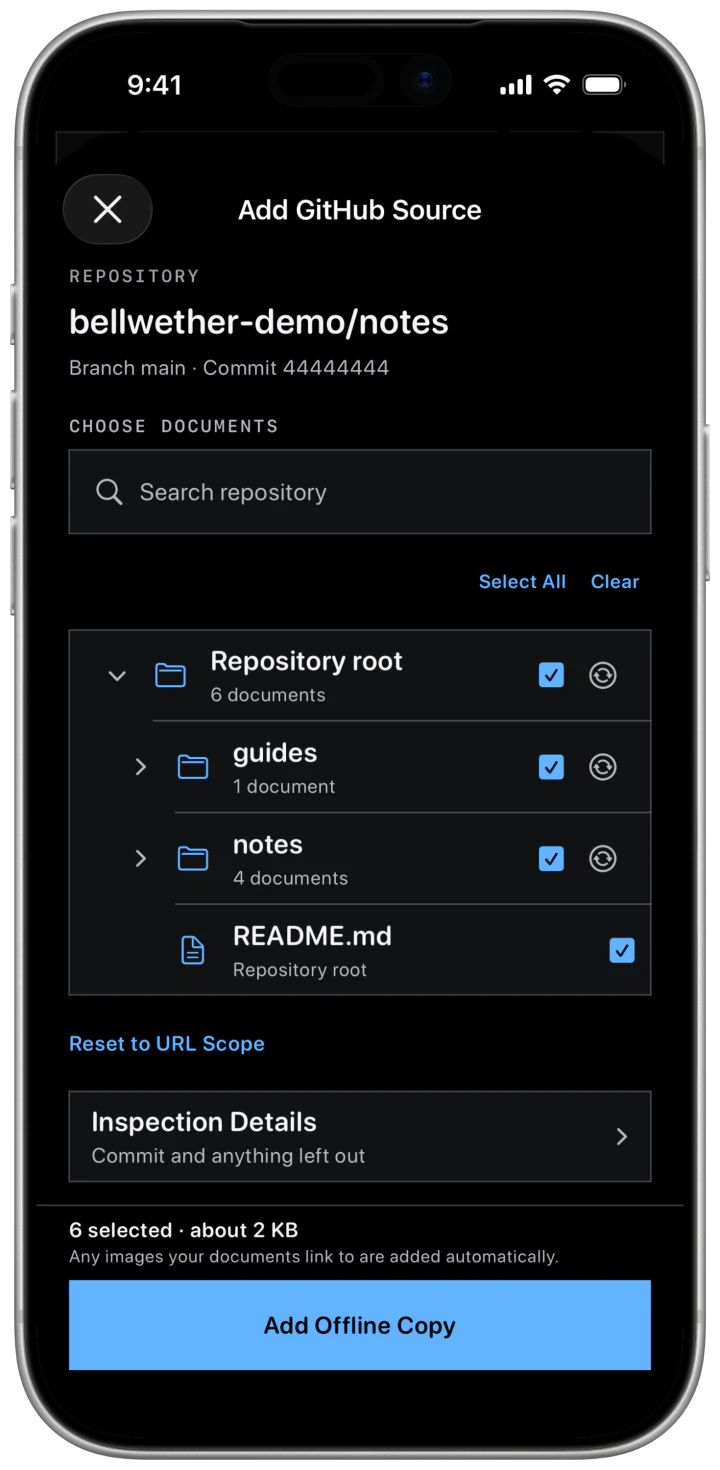
Save GitHub repositories, public or private, as read-only snapshots you can read offline and refresh when you choose. On a Mac, pick files or folders to carry to iPhone and iPad through your own iCloud; highlights, notes, and reading position stay in step.
Bifolium needs no account. Rendering, search, and matching run on your device. Sync uses your iCloud account, and GitHub connections go directly to GitHub. Anonymous usage counts are on by default: no identifier, no document content. Turn them off in Settings.
Thirty days to read.
Your 30-day trial of the whole app starts the first time you tap Continue on the opening screen. Every feature, no card.
It needs no payment method and never charges you when it ends.
Then it's yours.
- Permanent access
- $19.99
- Or monthly
- $2.99 a month
Prices in USD. Same app either way.
Permanent access is a one-time purchase. Monthly access renews through Apple until cancelled. Monthly payments are not credit toward permanent access, and buying permanent access does not cancel an existing monthly subscription.
Purchases and Restore Purchases work across iPhone, iPad, and Mac with the same Apple Account.
After access ends, your original files stay where they are, and your highlights and notes remain yours to export.